
Kids earn screen time.
Parents stay in control.
Tasks4Access connects everyday responsibilities with the apps children actually want to use.
A simple, effective way to build better habits.
App-specific accessParent approvalUnlimited children
A simple rule everyone understands.
Four easy steps from task to screen time.
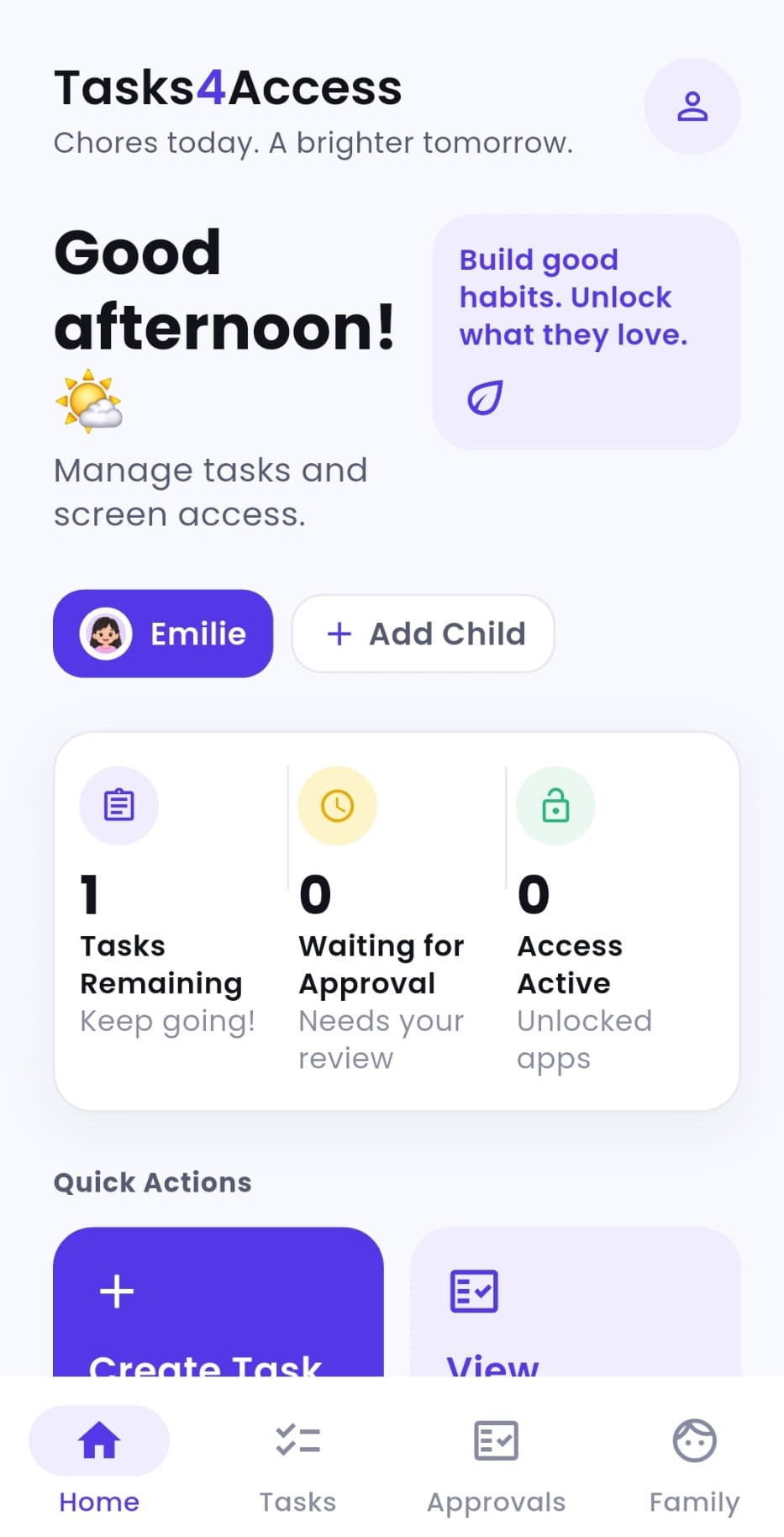
Create a Task
Add something that needs to be completed, from homework to tidying a room.
Choose Apps
Pick the apps that stay restricted until the task is approved.
Child Completes It
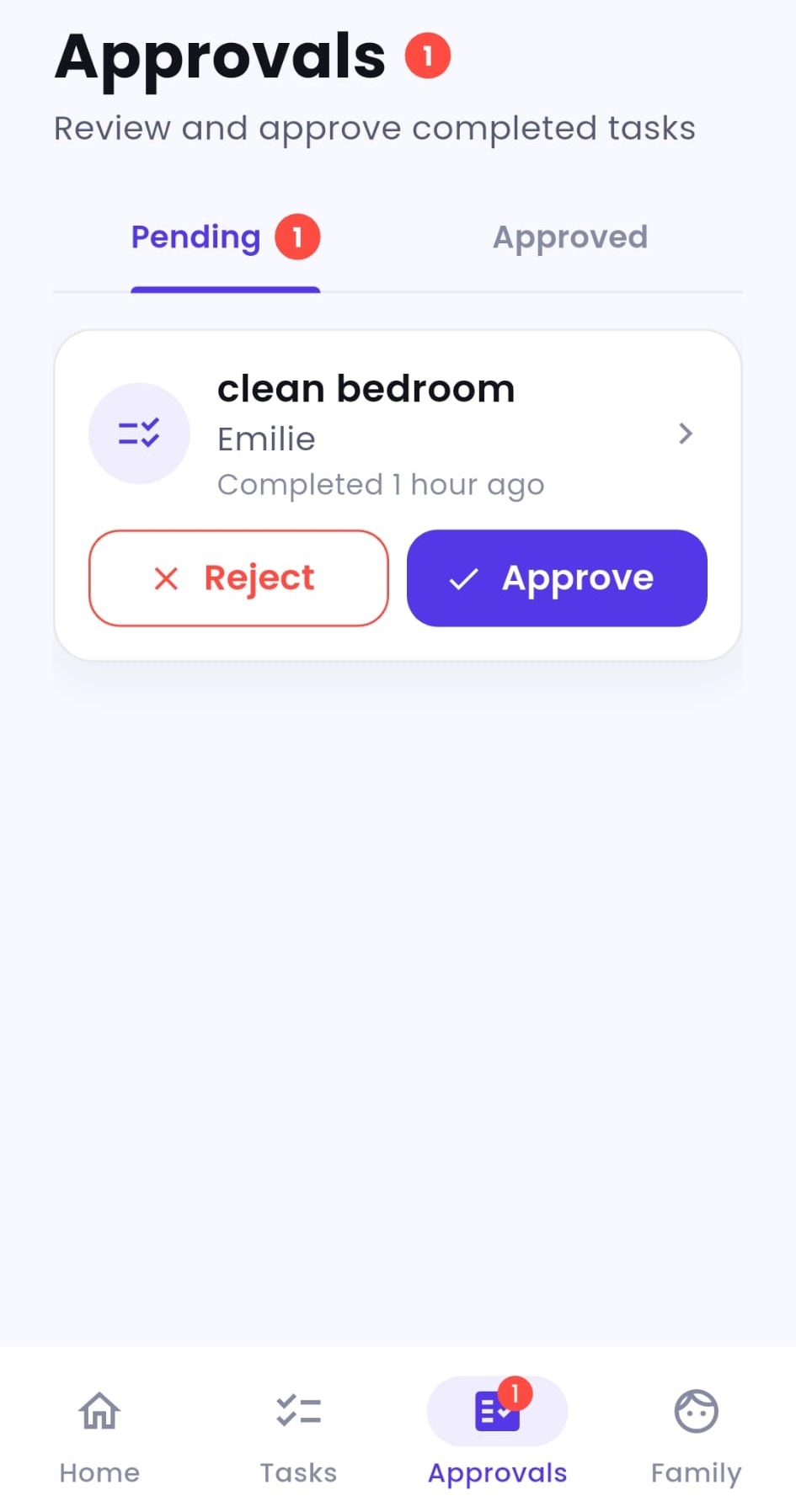
The child sees the task, completes it and submits it for approval.
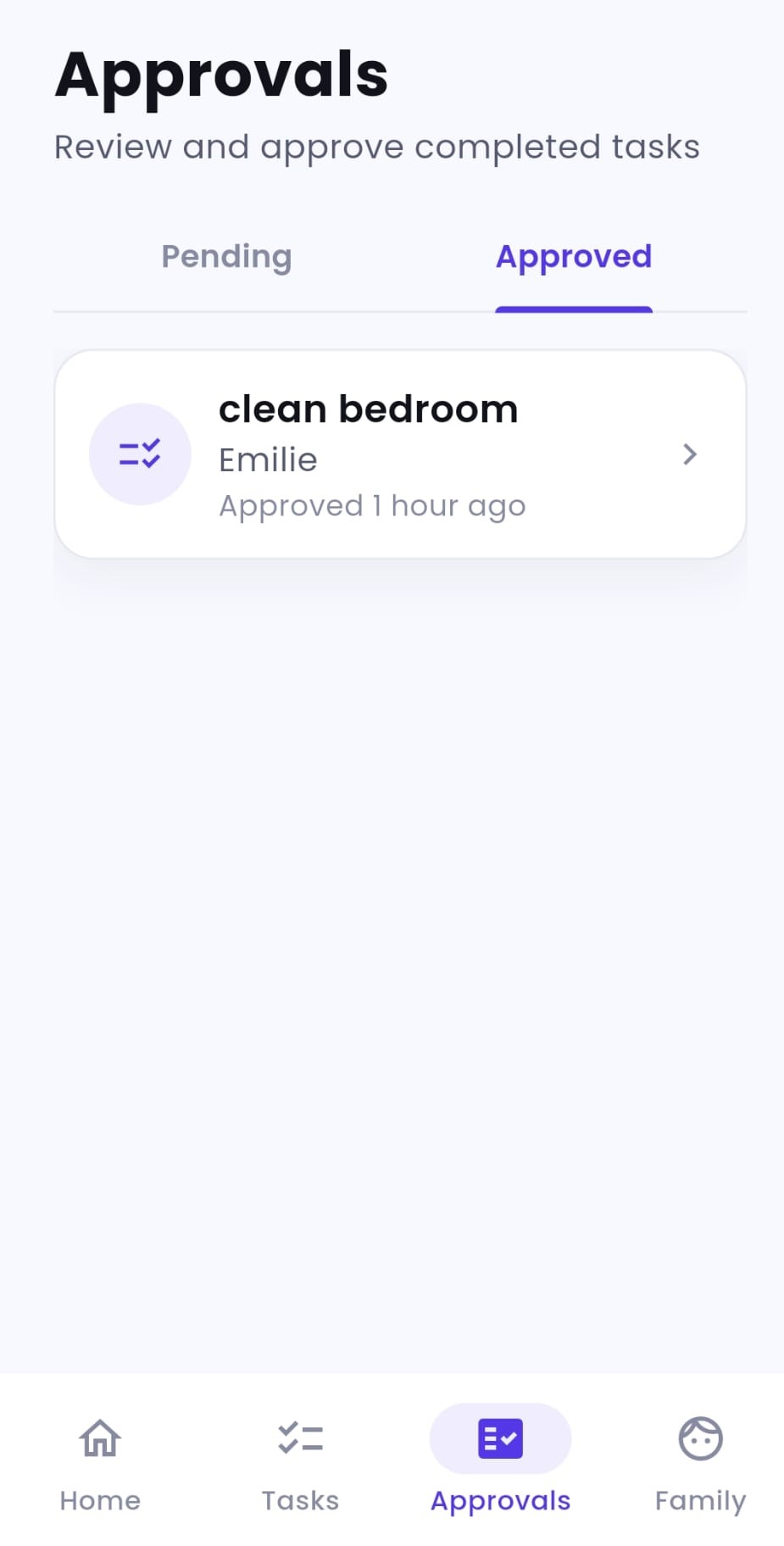
Approve & Unlock
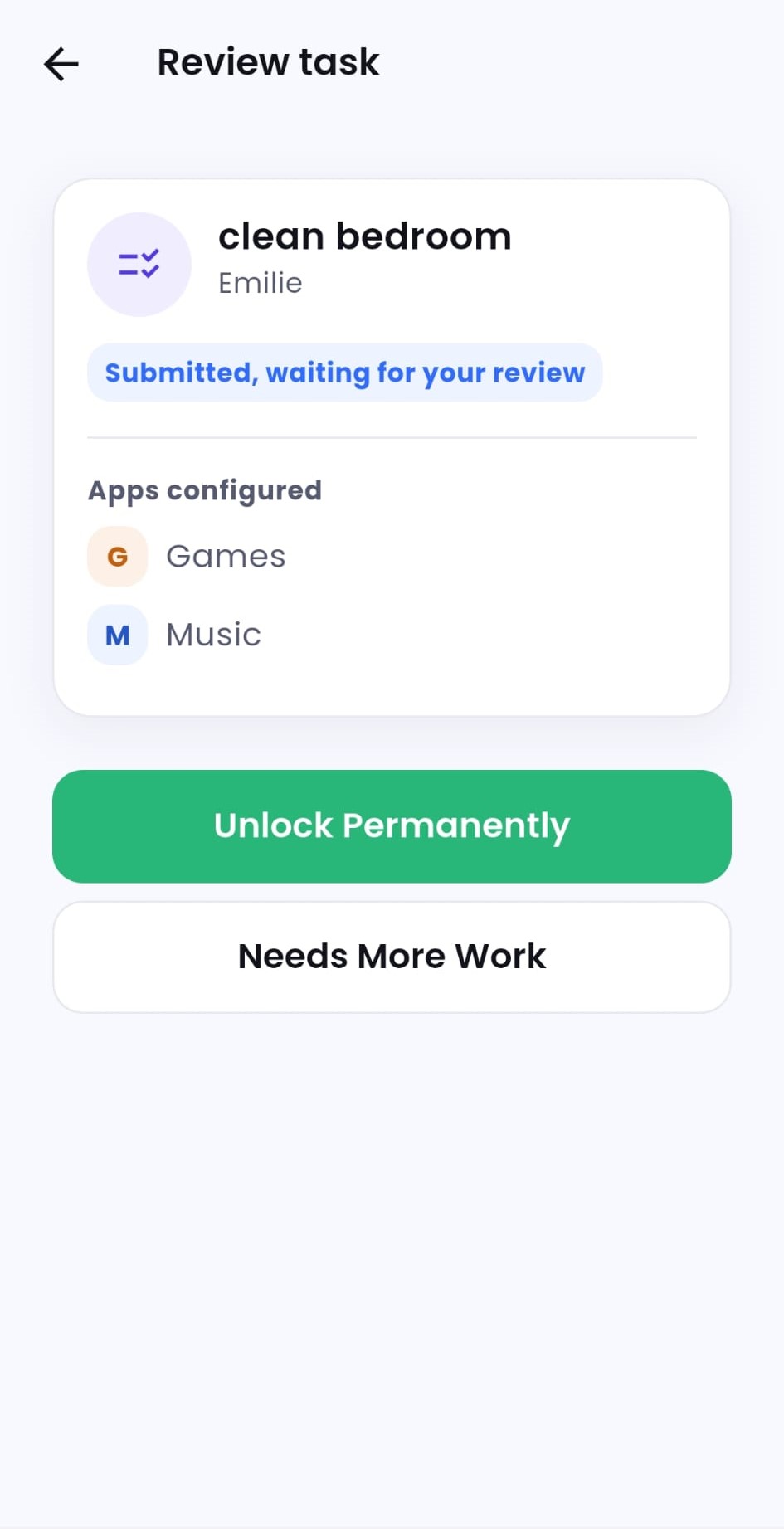
Parents approve to unlock the chosen apps, or send the task back privately with feedback if it needs more work.
App-specific restrictions.
More freedom. Greater control.
Choose which installed apps stay restricted until you approve a task. Phone calls always stay available. Messaging, location-sharing and family-safety apps keep working whenever you haven’t selected them for restriction.
- Restrict only selected apps
- Timed or permanent unlocks
- Choose different apps per task
- Manage children from one family dashboard
Simple pricing.
Everything included.
Unlimited children. One family subscription.
Preparing for public release. Join the waitlist to hear when sign-ups open.
View full plan detailsStandard
Up to 2 parents
£9.99 / month (GBP)
Annual option coming soon: £99.90/year, 2 months free
- Unlimited children
- Unlimited tasks
- App restrictions
- Parent approvals
- Timed and permanent unlocks
- Device management
- Full dashboard
Extended Family
Up to 4 parents
£12.99 / month (GBP)
Annual option coming soon: £129.90/year, 2 months free
- Unlimited children
- Unlimited tasks
- App restrictions
- Parent approvals
- Timed and permanent unlocks
- Device management
- Full dashboard
Everything you need, nothing you don’t.
Three simple steps connect what your child does with the apps they can use.
App-specific restrictions
Restrict only the apps you choose, instead of locking the whole device.
Simple parent approvals
Review completed tasks and unlock access in seconds.
Timed or permanent unlocks
Give a specific amount of access, or leave an app available when the task deserves it.
One family dashboard
Manage children, tasks, approvals and connected devices from one place.
Restricting an app only affects that app. Calls always continue to work, and any app you haven’t chosen to restrict, including text messaging, location-sharing apps, and other family-safety apps, stays fully available as normal.
Less arguing. Clearer expectations.
Children know what needs to be done. Parents stay in control of when app access becomes available.
Frequently asked questions
Yes. You choose exactly which apps on your child’s device stay restricted until a task is approved.
Yes, Tasks4Access supports more than one child in the same family account.
Yes. You can set a specific amount of access time, or leave an app available once a task is approved.
The parent can send it back with a short private note explaining what to fix, instead of approving it. Only your child and the authorised parent(s) on your family account can see the note; it’s never an open chat, and your child simply resubmits the same task while the note stays visible through review. Access unlocks only once a parent approves.
Yes. Tasks4Access supports both Android and iPhone. See our full FAQ for current device and platform details.