
Get set up in minutes
Real step-by-step guides with real screenshots. Which one you need depends on your child’s device, not yours. A parent on either Android or iPhone can follow either guide.
Setup guides
Set up an Android child
For when your child’s device is Android, whether you, the parent, use Android or iPhone yourself.
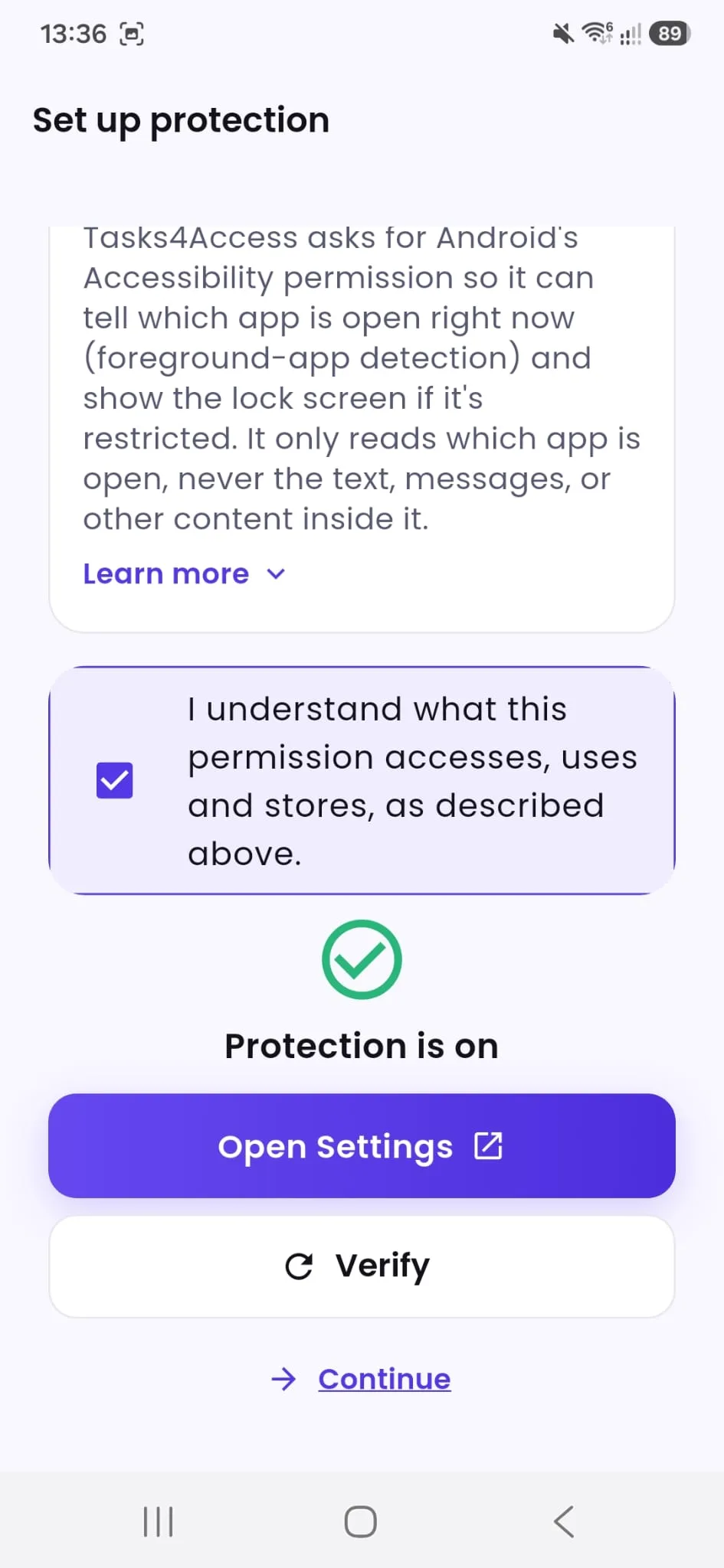

- Add your child and pair their device
- Turn on Android’s Accessibility permission
- Create a task and pick which apps it restricts
- Approve completed tasks to unlock access
Set up an iPhone child
For when your child’s device is an iPhone, whether you, the parent, use Android or iPhone yourself.
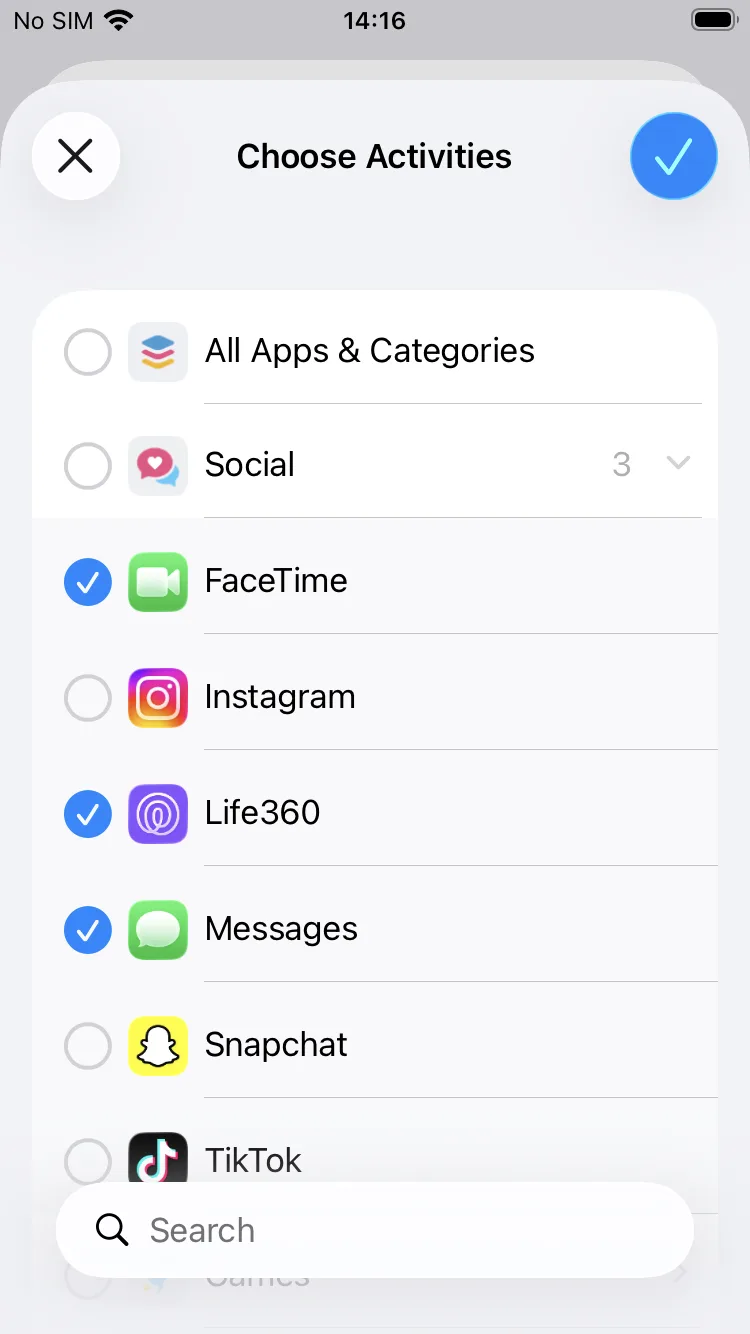

- Add your child and pair their device
- Turn on Screen Time (Family Controls) permission
- Your child adds apps to “My Apps” on their own device
- Choose which of those apps to restrict, and set any Always allow apps
- Approve completed tasks to unlock access
What you’ll do in each guide
The shape of setup is the same on both platforms. Only the permission screen and how apps get chosen differ.
Add & pair
Add your child and connect their device with a 6-digit pairing code.
Turn on protection
Grant the one required permission each platform needs, explained in plain language first. The Android guide also covers an optional extra-protection step.
Choose what’s managed
Pick which apps a task can restrict (iPhone also enrols apps first).
Create a task
Set what needs doing and what it unlocks.
Approve & unlock
Review completed work and watch access unlock automatically.
More ways to get help
App Walkthrough
See the complete parent-and-child experience, screen by screen, on real devices, from creating a task through to it unlocking.
View app tourFrequently Asked Questions
Quick answers on device compatibility, tasks and approvals, apps and exceptions, billing and privacy.
- Device compatibility
- Tasks, approval & rewards
- Apps, restrictions & exceptions
- Subscription & billing
Troubleshooting
Having an issue? Find the most common problems and what to check first.
- Restrictions not applying
- Android permissions/protection
- Managing apps on iPhone
- Device showing a protection warning
- Always allow apps not behaving as expected
- Removing or changing a device